
Event Tickets in the App
You are able to purchase your Event Tickets in the Offline App.
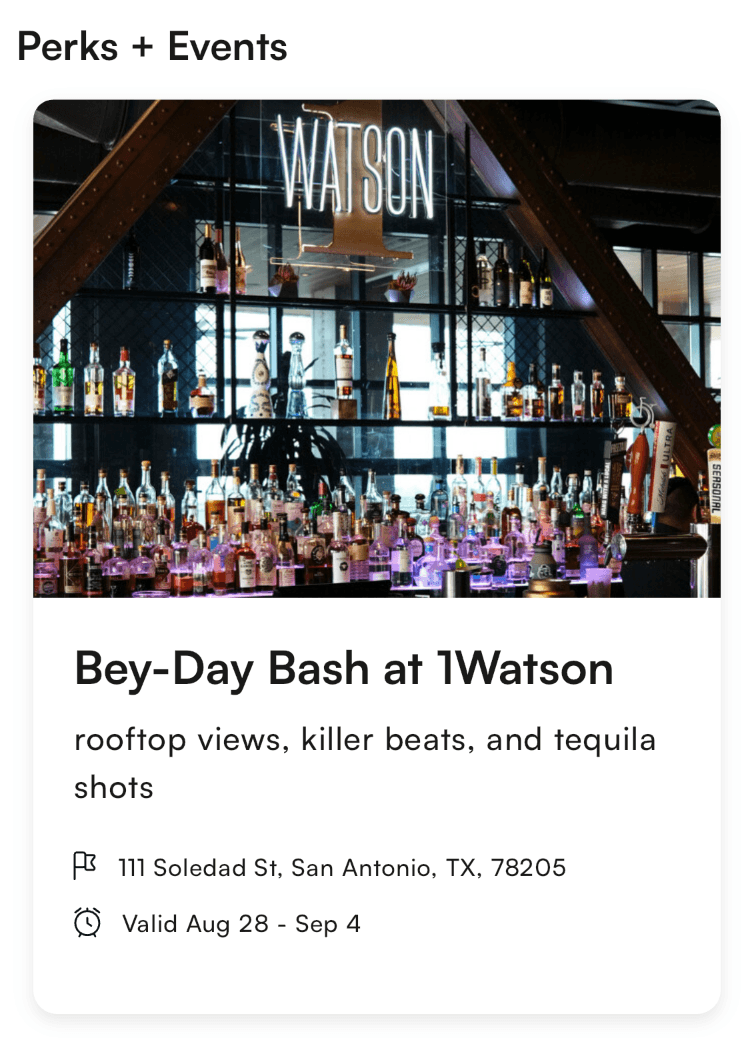
In the Perks + Events section of the homepage, you will see all of our Rockstar Events. Tap into the details to grab tickets. Once you do, we'll load them into your My Card tab.
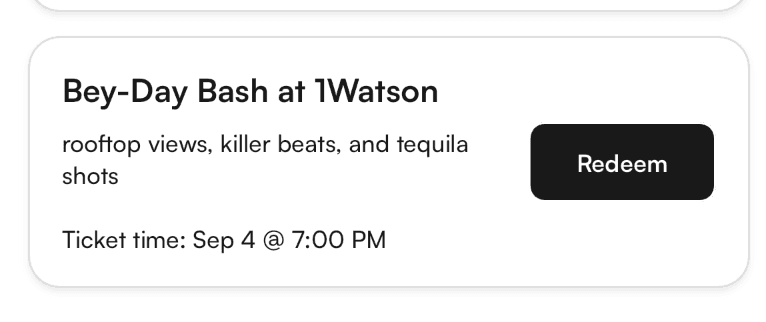
Buying Tickets
Go into the event details
Next claim the event
Some events have ticket minimums and maximums
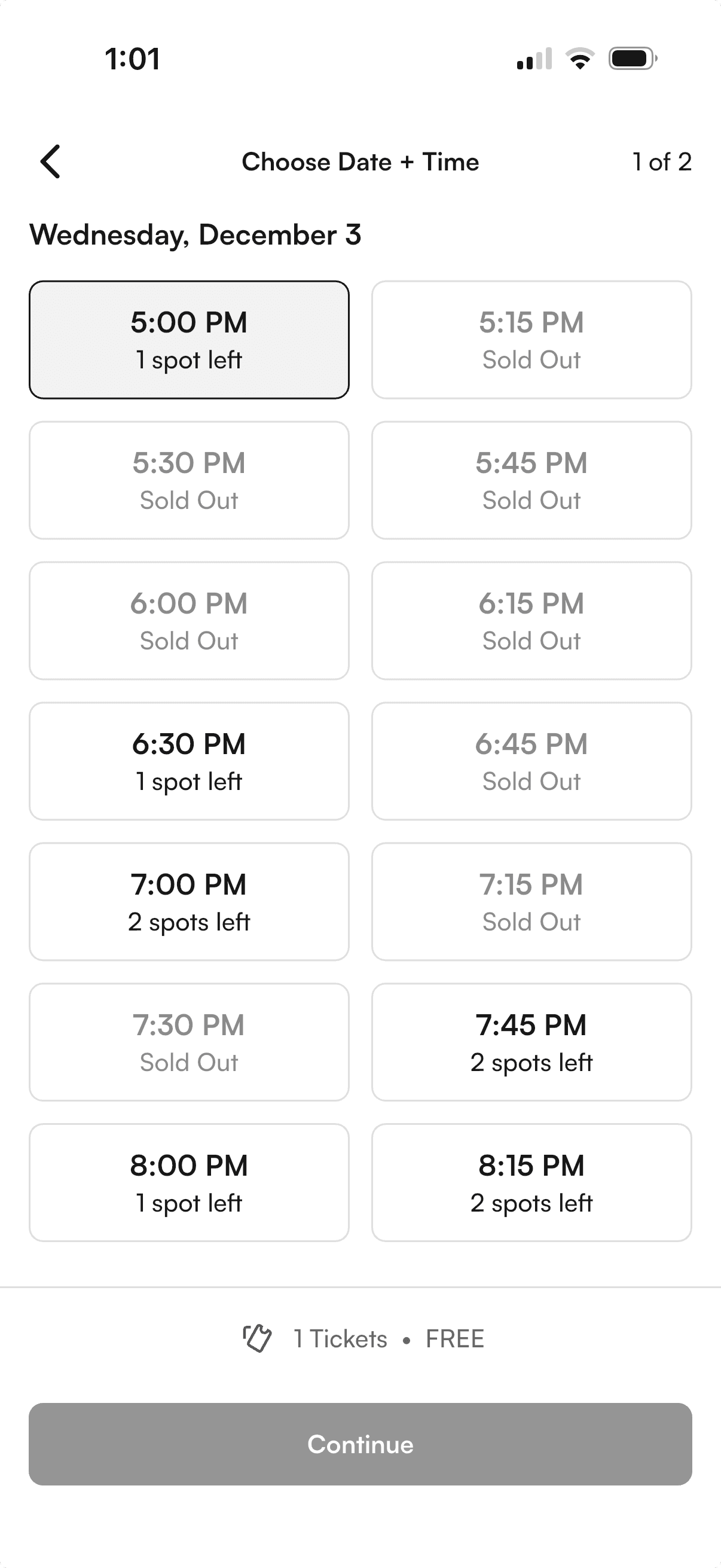
Next tap the time you want to go on and the number of tickets you want
You can join the waitlist if the spot you want is full
Next click continue and claim your tickets
There are a few cases where there may be an issue when you're trying to order tickets.
Tickets can go fast. If you see the above error, it means that the slot you chose is no longer available. Head back to change your time slot and get tickets.
If you see the above error, it means all the tickets for this event have been sold. We know, it's a MAJOR BUMMER. Take a look at other events in your area though.
If we are unable to charge your card, you will see the above error. Please note, if you have not paid and seen the confirmation screen, you do NOT have tickets. We do not reserve tickets for you. You will need to fix your card on file and go back to request tickets again.
Changing Ticket Times
We don't have a way in the app currently to change your ticket time. For now you'll need to cancel your tickets by going to your My Card page and then clicking on "Manage Tickets" and then "Cancel" in the top right. Then just re-book the ticket in the event that you're trying to change.